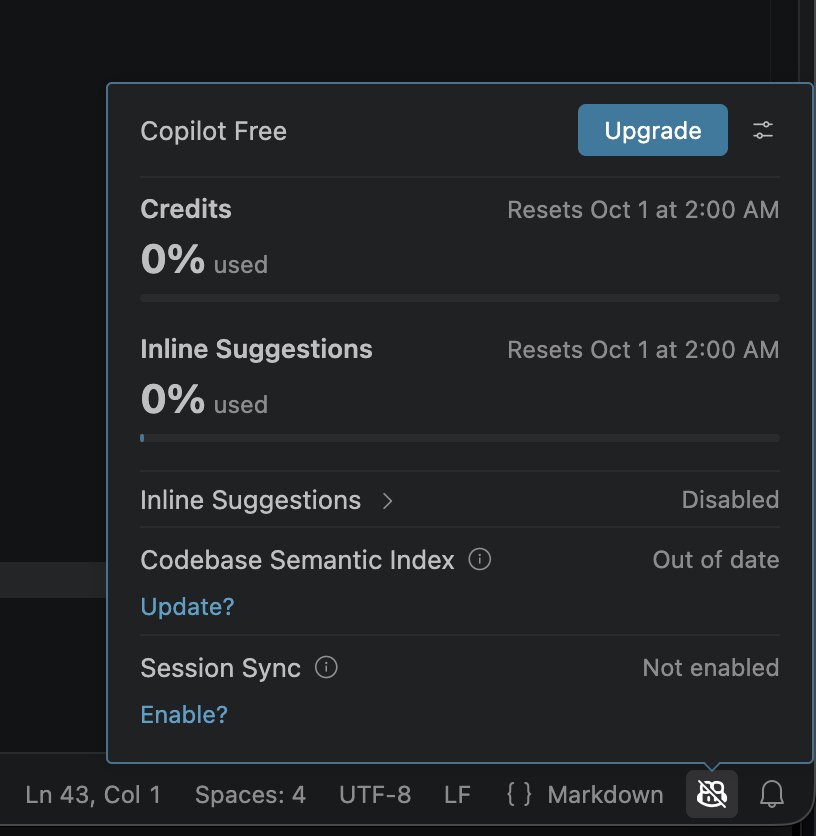
Copilot Free
Install Visual Studio Code and its GitHub Copilot extension, then sign in with GitHub. Copilot Free is enough to connect an MCP server; conversations use its included credits. On Copilot Business or Enterprise, an administrator has to allow MCP servers first.
Add the server
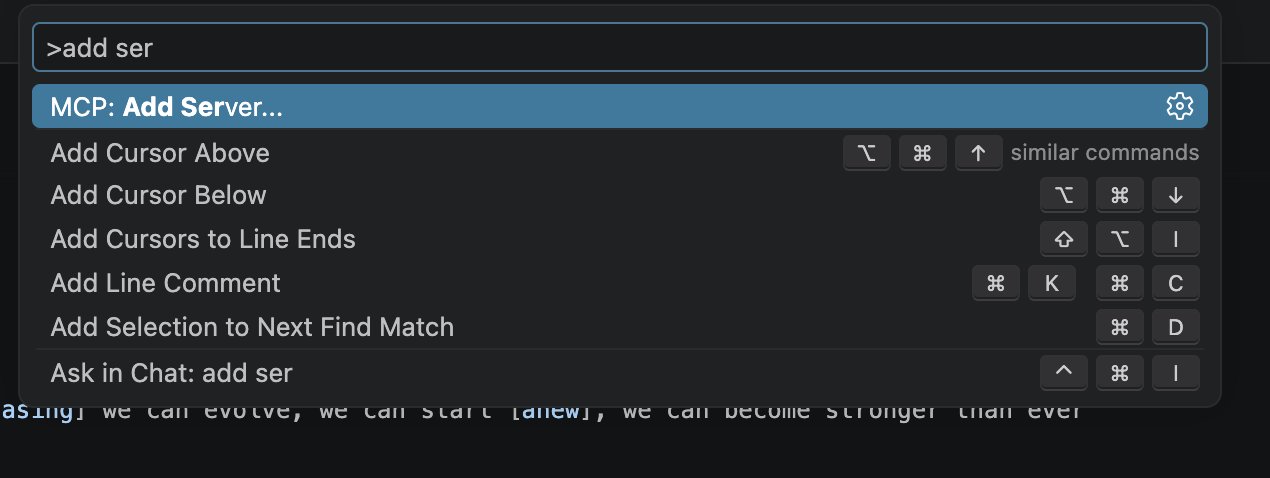
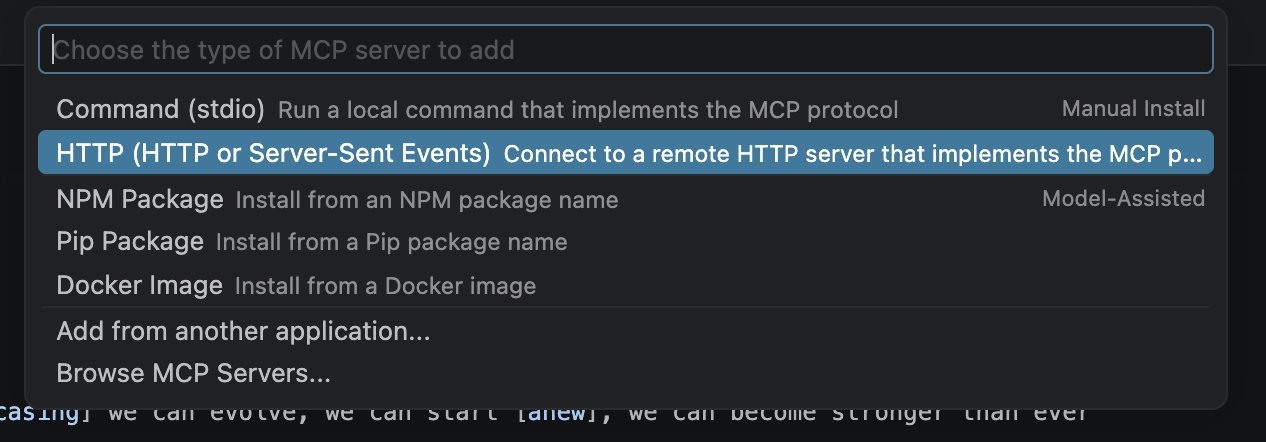
Open the Command Palette with Cmd+Shift+P on macOS or Ctrl+Shift+P on Windows and Linux, run MCP: Add Server, and choose HTTP (HTTP or Server-Sent Events).
Enter the Wikilayer MCP URL:
https://wikilayer.org/mcp

Use WikiLayer as the Server ID.

Authorize access
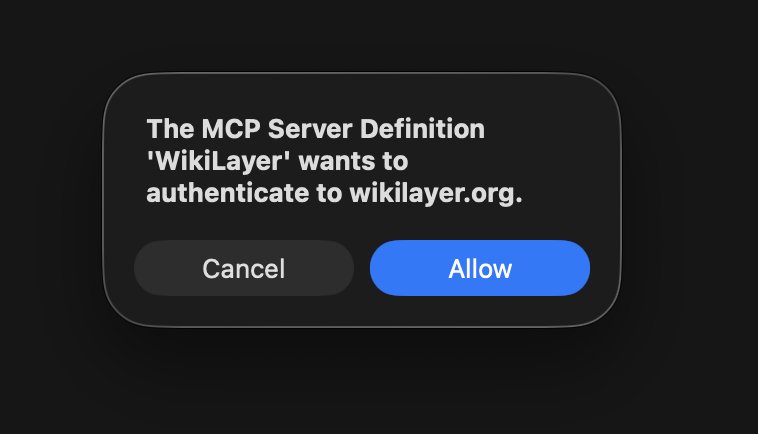
VS Code asks whether the MCP server may authenticate to Wikilayer. Press Allow, sign in to Wikilayer in the browser, and approve access.
Check the server
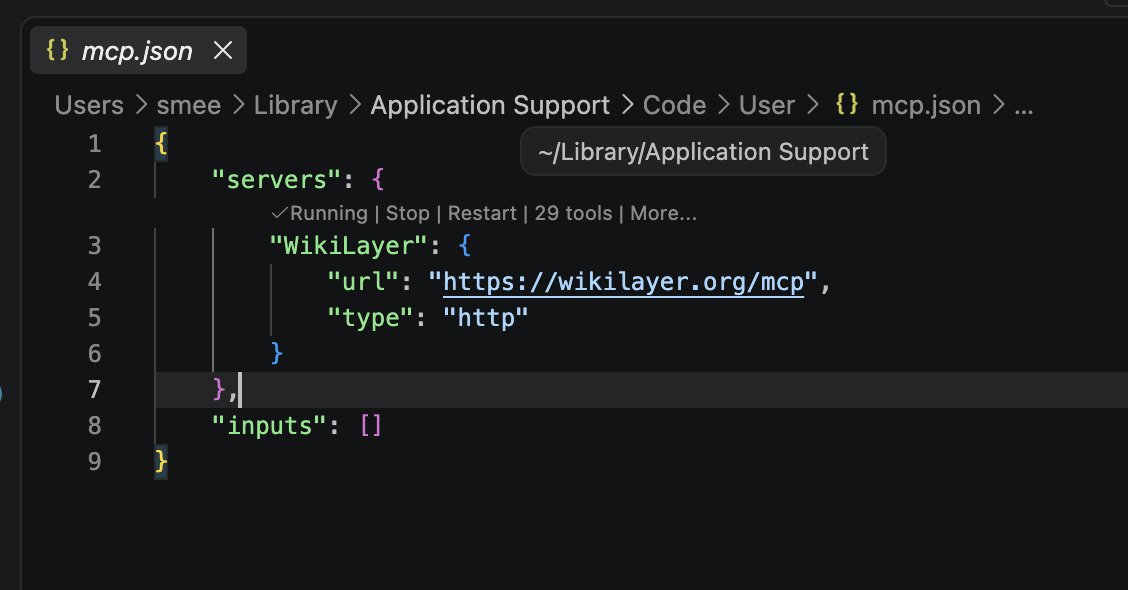
VS Code saves the server to an MCP configuration file and opens it; depending on the version, it may ask where to save it first. Run MCP: List Servers from the Command Palette: WikiLayer should be listed as running, with its tools.
What's next
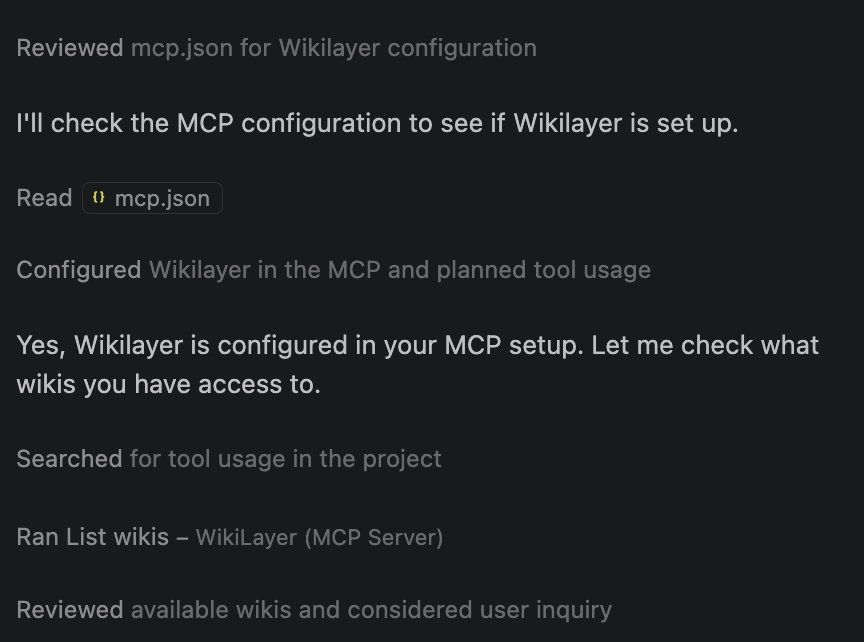
In Copilot Chat's Agent mode, try the first steps. When Copilot calls List wikis — WikiLayer (MCP Server), the connection is working.