Connect Wikilayer to ChatGPT to read and edit your wikis from a chat.
Install the official plugin
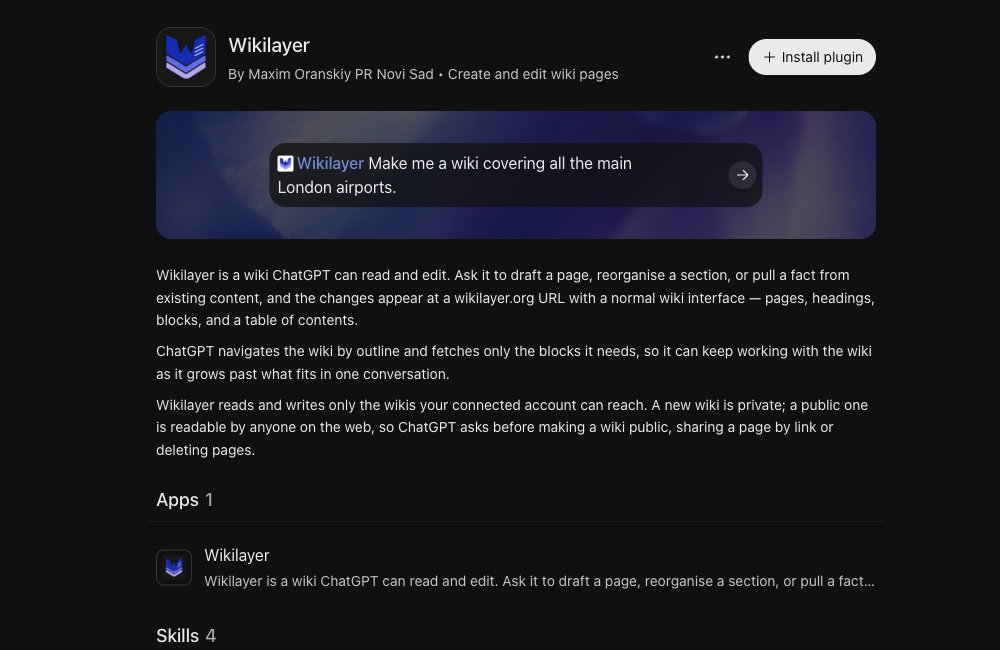
Open the official Wikilayer plugin and click Install plugin.
Connect your account
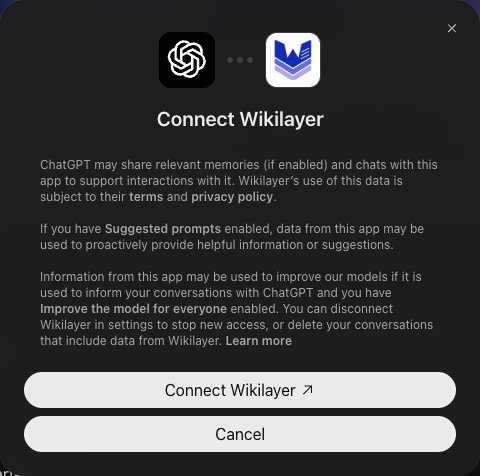
Click Connect Wikilayer. If Wikilayer asks you to sign in, sign in and approve access. When the connection is complete, ChatGPT shows Wikilayer is ready for use.
Use Wikilayer in a chat
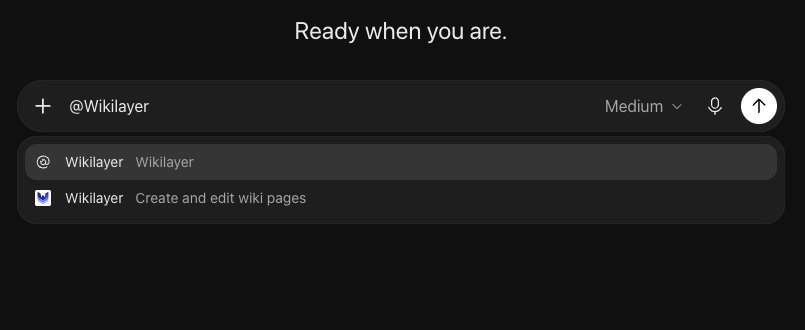
Start a new chat, type @Wikilayer and select the plugin with the blue Wikilayer logo and the description Create and edit wiki pages.
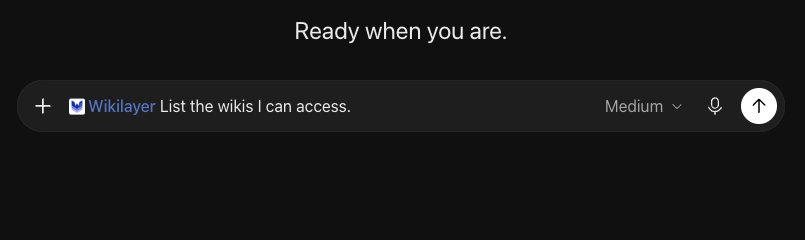
Send this request:
List the wikis I can access.
The reply lists the wikis your connected account can access, or says that there are none. For a first project, try the cookbook example.
Test new features
To try new Wikilayer tools before they reach the official plugin, connect the MCP server manually.