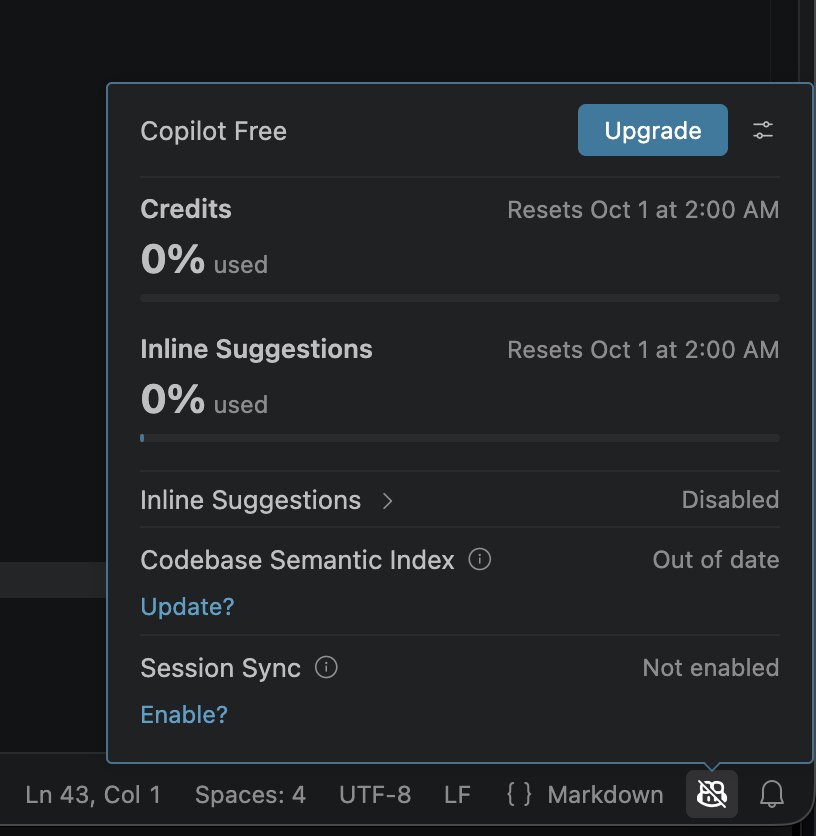
Copilot Free
Install Visual Studio Code and its GitHub Copilot extension, then sign in with GitHub. Copilot Free is enough to connect an MCP server; conversations use its included credits.
Add the server
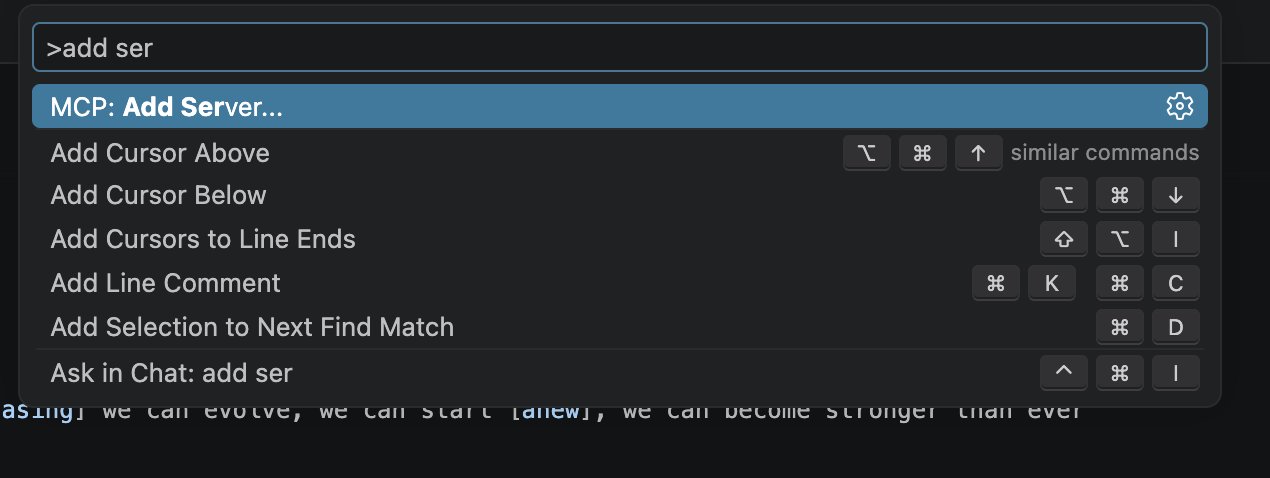
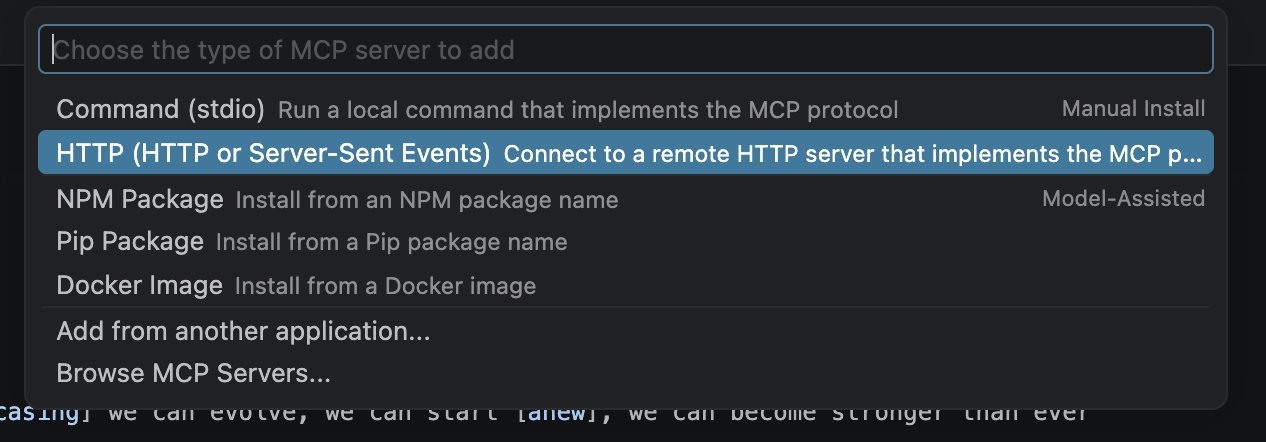
Open the Command Palette with Cmd+Shift+P, run MCP: Add Server, and choose HTTP (HTTP or Server-Sent Events).
Enter the Wikilayer MCP URL:
https://wikilayer.org/mcp

Use WikiLayer as the Server ID.

Authorize access
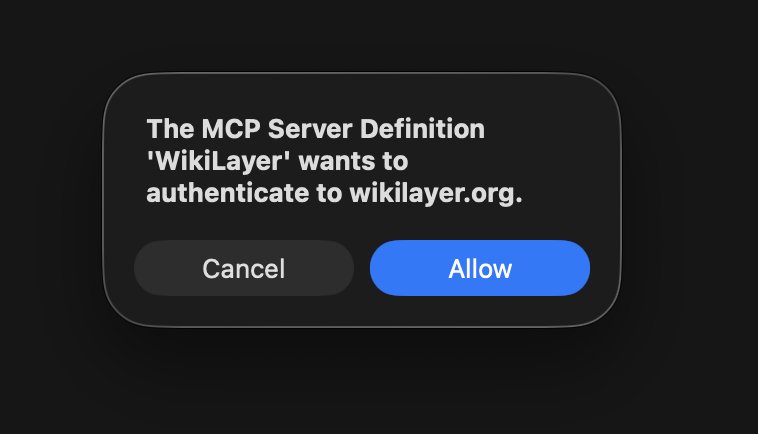
VS Code asks whether the MCP server may authenticate to Wikilayer. Press Allow, sign in to Wikilayer in the browser, and approve access.
Check the server
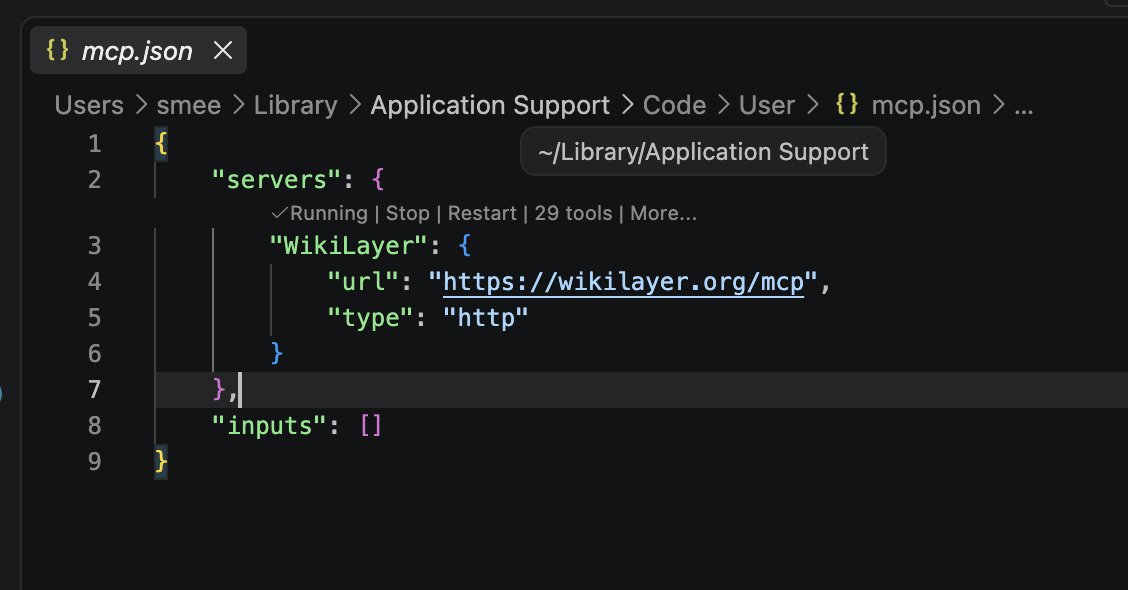
VS Code opens its user mcp.json. The CodeLens above WikiLayer should show Running and a tool count.
What's next
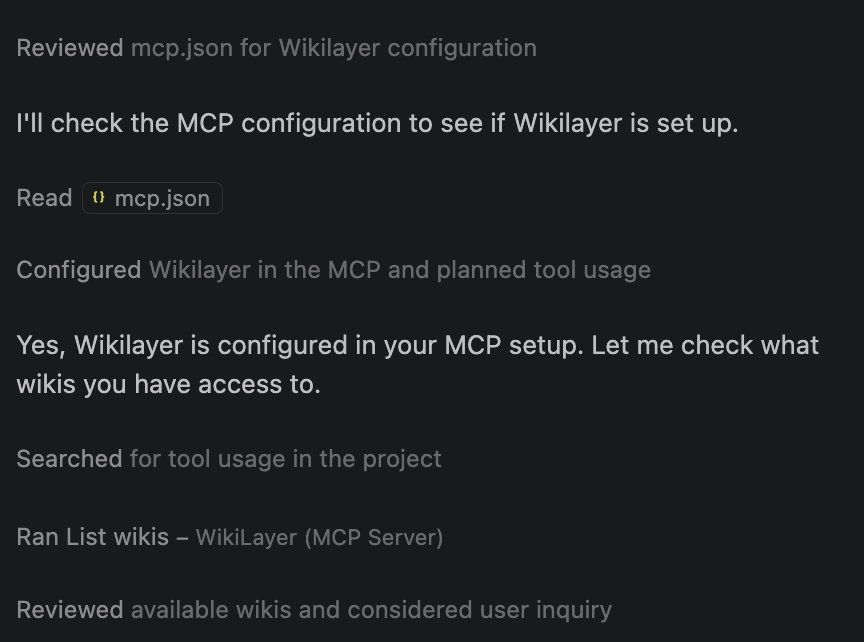
Try a first question in Copilot Chat's Agent mode. When Copilot calls List wikis — WikiLayer (MCP Server), the connection is working.